Locations tied to jobs
Save a work location for a job so location-based automation can use the same job context as the shift history and reports.
 HoursKit
Job locations
HoursKit can use saved worksites to support optional geofenced automation, helping recurring work sites fit into a cleaner shift record.
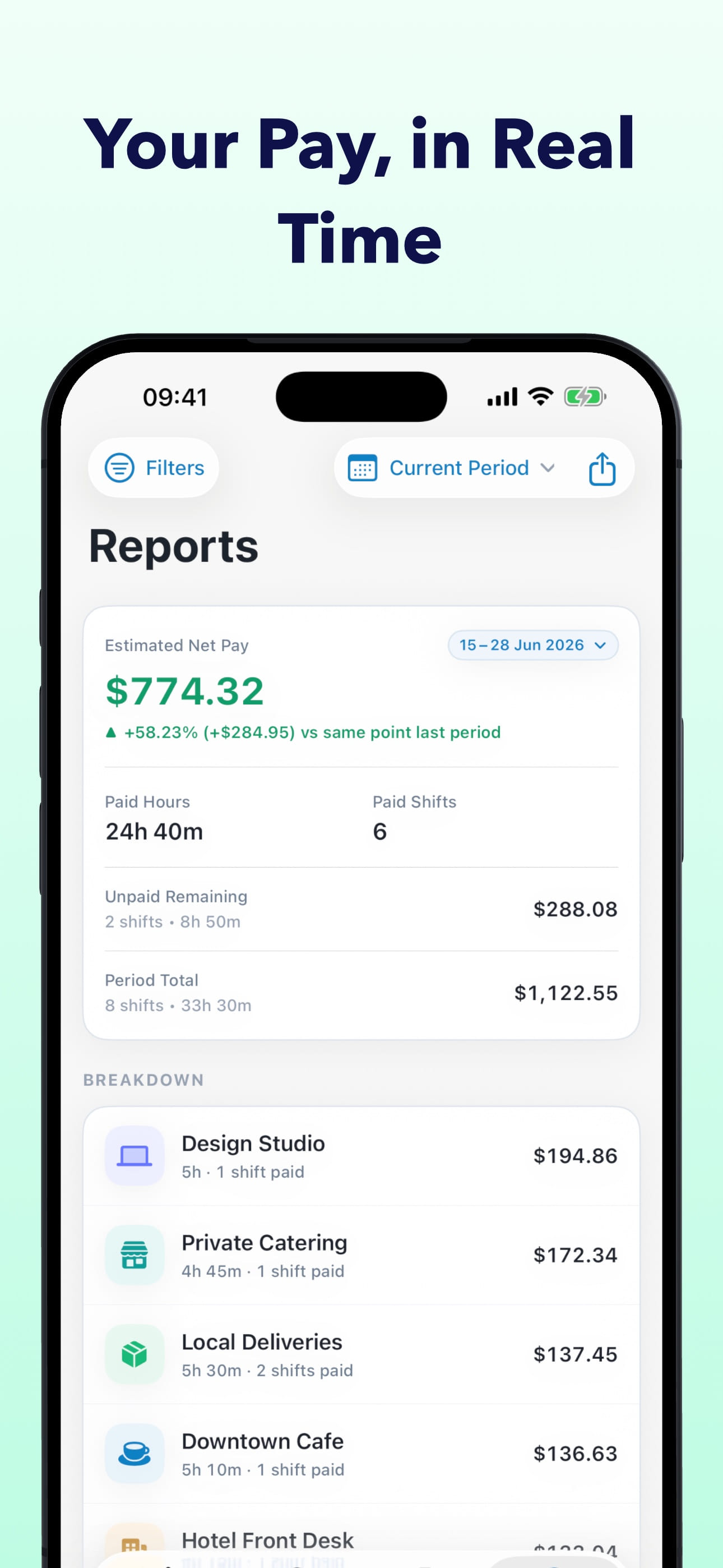
Save a work location for a job so location-based automation can use the same job context as the shift history and reports.
Geofencing support is opt-in, and manual clock-on, clock-off, pause, resume, and editing controls remain available.
Saved locations are useful when work starts from familiar sites such as offices, client locations, service routes, or job posts.